Define your brand once. Every listing follows it.
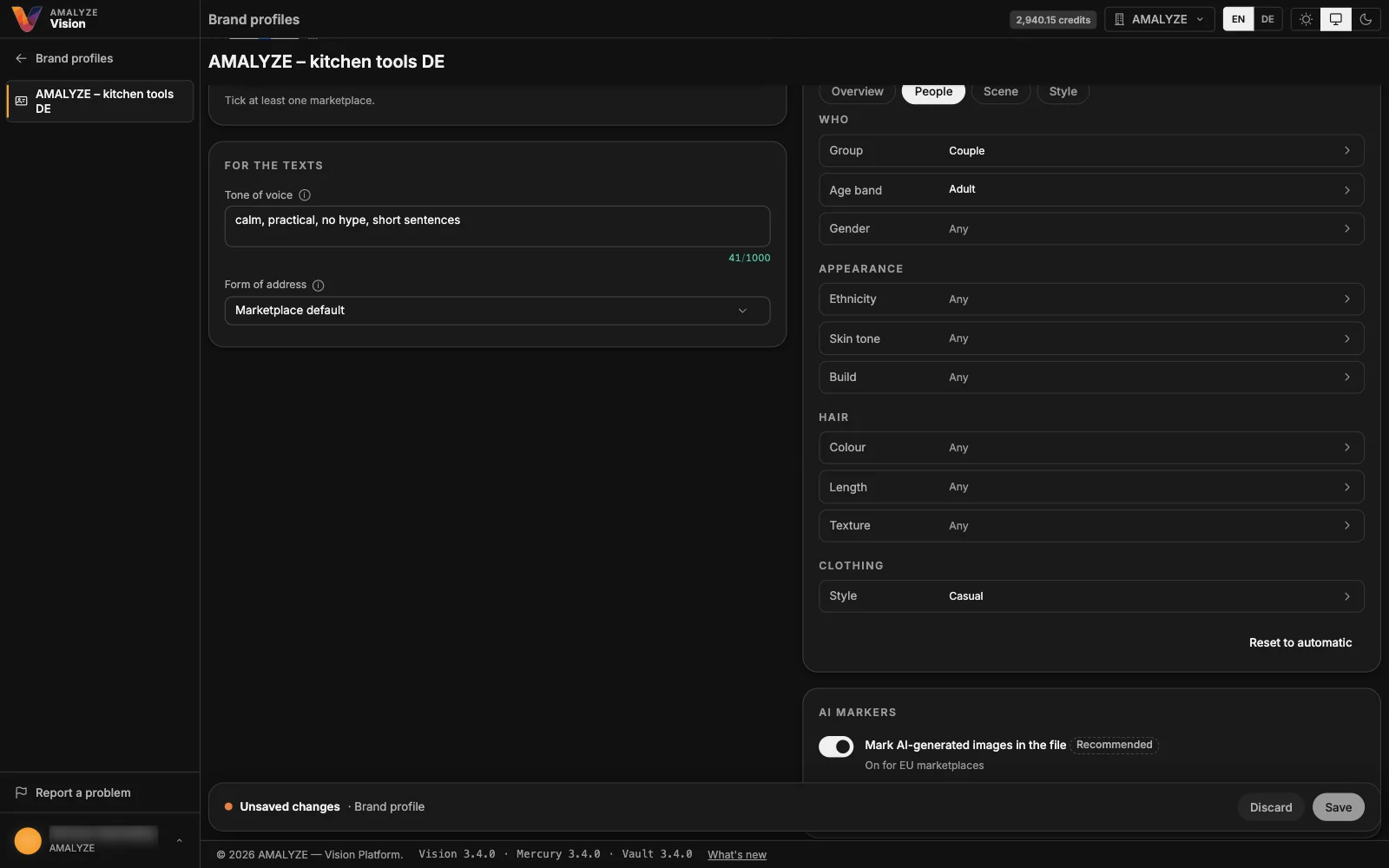
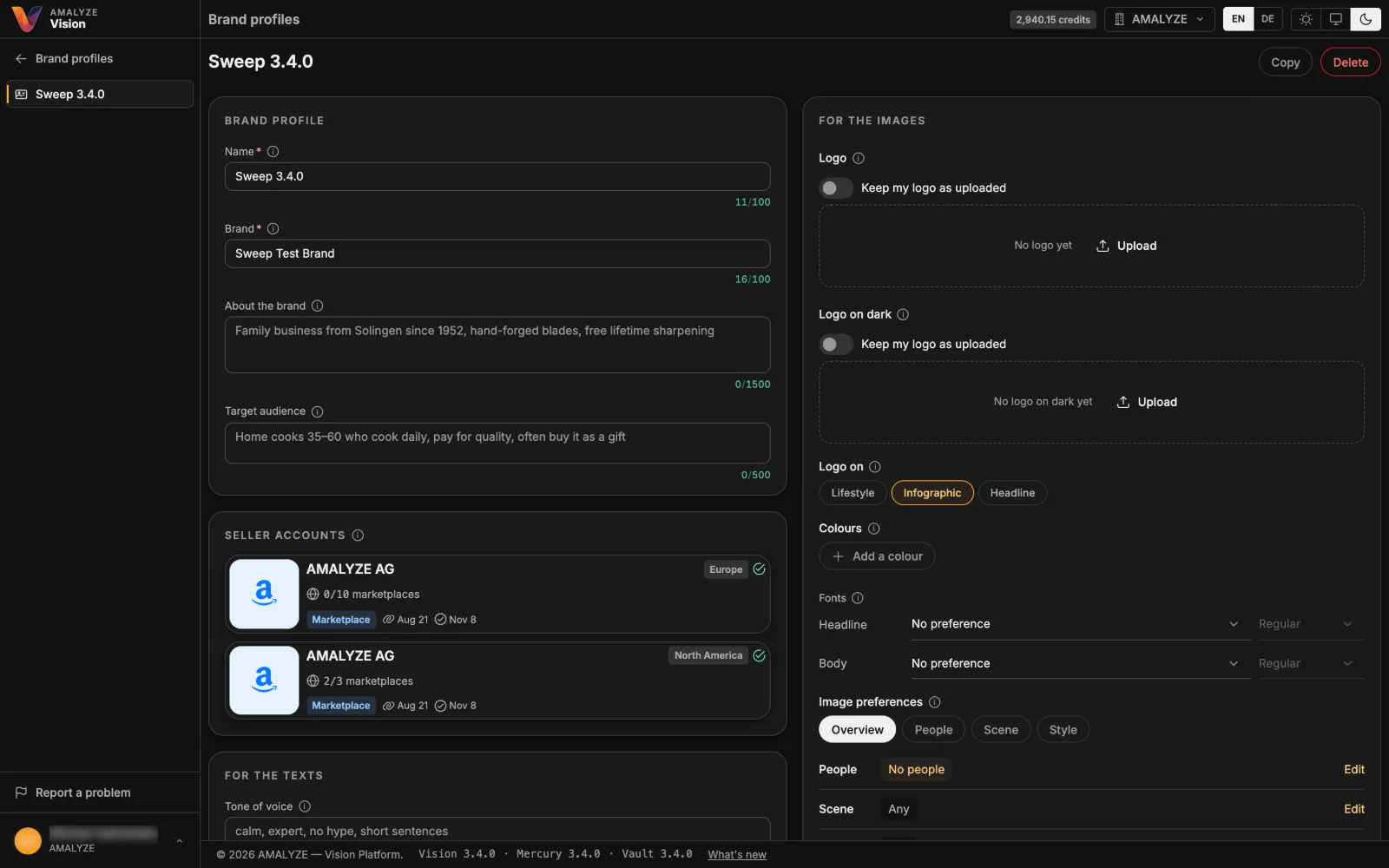
Under Brand profiles, set your brand's name, tagline, tone of voice, words to use or avoid, colors, fonts, logo and image preferences. Choose which profiles a project uses, and pick one for each generation so its texts and images follow it. Vision prepares your logo for light and dark backgrounds, unless you keep it as uploaded.
Brand profiles are part of Vision, AMALYZE's next platform. It runs alongside AMALYZE Shield.
01 · Image preferences
Images that fit your brand
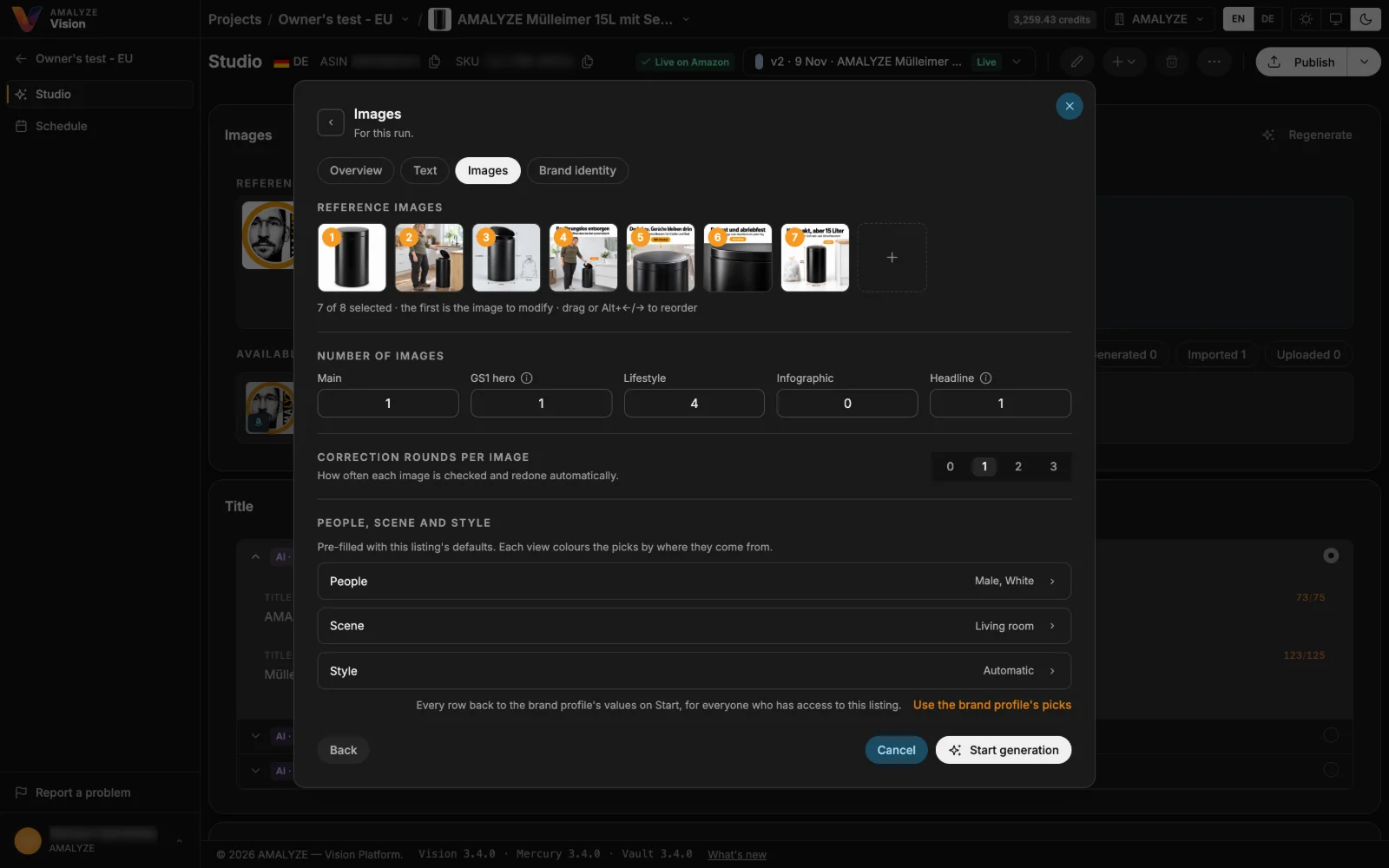
Choose who appears in your images – age, gender, appearance, hair and clothing – and which scene and style they show, or leave each on Automatic. A brand profile's choices are the default for its listings, and a listing can pick its own when you generate. AI-generated images you publish can carry a hidden AI marker in the file and Amazon's tag for AI-generated people. You set both per brand profile – on by default where recommended – and switching one off asks for your consent.